
Professional weather hardware. Open by design.
Build WeatherXM into your product, private IoT network or local automation system. Keep control of your network, backend and firmware. Already own a D1, D2 or H2? A one-time switch through the WeatherXM flasher opens the path to independent operation.
Build your solution, not your weather station.
WeatherXM takes care of the physical layer: weather sensing, enclosure, power, radio hardware, manufacturing and a reference software path. You decide what sits above it.
Built for system integrators · product companies · LoRaWAN operators · energy and infrastructure teams · researchers · open-source developers.
Three Open paths. One job: fit into your architecture.
Choose Wi-Fi, LoRaWAN or mesh to fit your architecture. D1, D2 and H2 can switch to Open Edition through the browser-based WeatherXM flasher. Public gateway and D2 station firmware let developers inspect, adapt and build on the reference implementation.
Local and private-backend weather.
For sites with Wi-Fi where local access or a customer-controlled backend matters more than participation in the WeatherXM Network.
- • Local HTTP access on supported gateway firmware
- • Independent backend path for Open operation
- • Public WG1200 gateway firmware and browser flashing
A weather station for your LoRaWAN network.
For integrators and network operators that want WeatherXM hardware on compatible third-party or private LoRaWAN infrastructure.
- • Customer-controlled LoRaWAN credentials
- • TTN / The Things Stack, ChirpStack and compatible networks
- • No requirement to make WeatherXM Cloud the application layer
Independent weather where infrastructure is sparse.
Mesh-native weather hardware for local and remote deployments, with local services and public gateway and station firmware you can build on.
- • Local LoRa mesh between field devices and gateway
- • Local REST / MQTT path on supported gateway software
- • Public WG1200 gateway and WS1300 station firmware
Your hardware. A new Open path.
Switch your D1, D2 or H2 to Open Edition once through the WeatherXM flasher, then use it independently without a WeatherXM Network participation commitment. Choose your device in the browser and follow its connection and switching steps.
D1 and D2 use the WG1200 gateway path; D2 also has a WS1300 station path. H2 uses the WS2001 path to switch to open/OEM firmware for a compatible third-party or private LoRaWAN network. The flasher explains the connection and browser requirements for each device.
Open the WeatherXM flasher ↗Open code. Build on it.
The gateway and D2 station firmware repositories are public. Explore how the hardware works, adapt the firmware to your application and contribute improvements back to the community.
wg1200-firmware ↗WG1200 gateway firmware for D1 and D2 ws1300-firmware ↗WS1300 outdoor station firmware for D2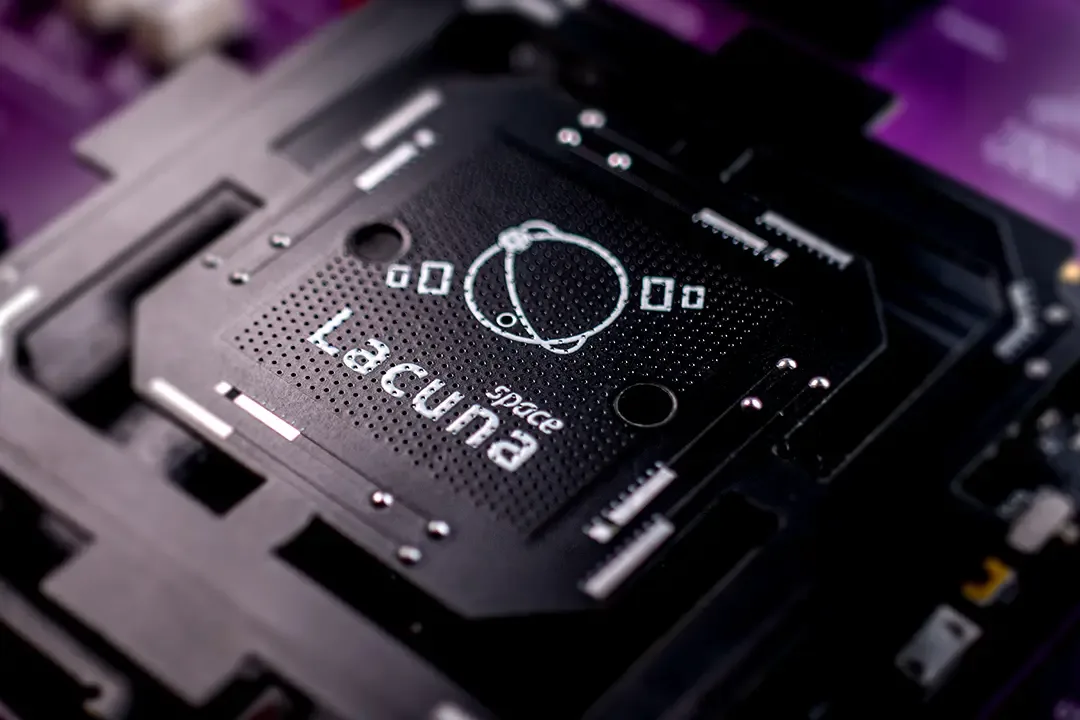
H2-LEO / Lacuna: testing weather beyond terrestrial coverage.
WeatherXM is evaluating an H2-based direct-to-satellite path with Lacuna Space for remote deployments where terrestrial LoRaWAN or cellular backhaul is unavailable. This is a pilot, not a generally shipping retail product.
The pilot is a practical example of why an open connectivity path matters: the sensing hardware can be adapted to a different network without redesigning the weather station from scratch.
Your network. Your backend. Your firmware path. Your product.
Open is useful when it removes real integration constraints. These are the four freedoms that matter commercially.
Use infrastructure you control.
Choose supported private or third-party connectivity rather than making WeatherXM Network participation mandatory.
Keep your application architecture yours.
Use supported local interfaces or independent backend paths so your solution does not depend on a separate WeatherXM dashboard.
Use the reference path or replace it.
Inspect and adapt the public WG1200 gateway and WS1300 station firmware. Use the WeatherXM flasher to switch D1, D2 or H2 to Open Edition, then follow the model-specific guides for your firmware path.
Make it part of the solution you sell.
Build your own workflows, service and customer experience above the hardware instead of inheriting ours.
Open when you need it. Finished when you don't.
WeatherXM Open is designed to sit between a DIY hardware project and a closed consumer weather station: a finished field product that can still become part of somebody else's system.
| Capability | DIY hardware | Consumer station | WeatherXM Open | Traditional industrial |
|---|---|---|---|---|
| Typical hardware cost | $100–200 | $200–400 | $300–400 | $1,000–15,000 |
| Outdoor-ready product | Build it | Usually | Yes | Yes |
| Production repeatability | Limited | Yes | Yes | Yes |
| Your backend / application | Yes | Limited | Yes | Usually |
| Your network | Yes | Limited | Model-specific | Usually |
| Replaceable firmware path | Yes | Rarely | Open Edition path | Varies |
| Fast path to field deployment | No | Yes | Yes | Yes |
Inspect the integration path before you design around it.
D1, D2 and H2 have an Open Edition switch through the WeatherXM flasher. The WG1200 gateway and WS1300 station firmware repositories are public. Interfaces and hardware design availability remain model-specific.
| Capability | D1 Open | H2 Open | D2 Open |
|---|---|---|---|
| Independent operating path | Private backend / local path | Third-party or private LoRaWAN | Local-first mesh |
| Local device access | HTTP on supported gateway firmware | BLE diagnostics | REST / MQTT on supported gateway software |
| Customer network credentials | Backend-specific | Yes | Mesh / gateway configuration |
| Switch to Open Edition | Browser flasher ↗ | Browser flasher ↗ | Browser flasher ↗ |
| Public firmware source | WG1200 gateway ↗ | Check model release | WG1200 gateway ↗ WS1300 station ↗ |
| Hardware design files | Check model release | Check model release | Planned publication program |
Evaluate one unit before you design around it.
The goal is a low-friction engineering funnel: public documentation and examples, an evaluation unit you can test, then integration and volume support once the architecture is proven.
Does Open mean open-source hardware?
The WG1200 gateway and WS1300 station firmware are public, so you can inspect the code and build on it under the repository licenses. Hardware design files are a separate part of openness; check each model for available files and licenses.
Do I need Open to access my own station?
No. Supported local access to your own observations is not intended to be an Open-edition surcharge. Open is for independent operation, customer-controlled infrastructure and replaceable firmware paths.
Use our hardware. Keep your architecture.
Start with a field-ready station instead of a hardware project, then connect it to the network, backend and product your customer already needs.